TA How it works
🔔

Blocked in by a double-parked car?

Tolong Alih lets you reach the other driver using only their car plate. No contact details are shared, ever.

Set up in 3 minutes I've used it before — open the app

How it works

Two drivers, one app. Here is what each of them sees.

1
If you double-park

Tell them before you walk away

Type the plate of the car you're blocking and how long you'll be. That's it.
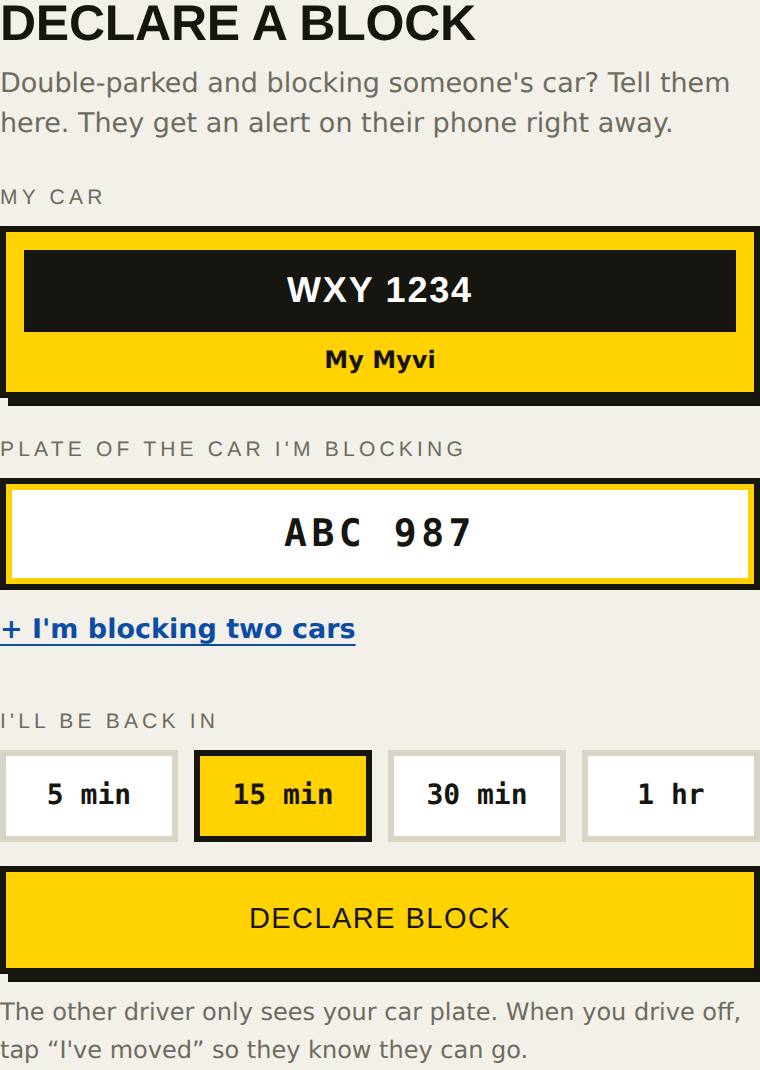
The Declare screen: your car, the plate you are blocking, and how long you'll be.
2
If your car is blocked

Your phone tells you who, and when they're back

Tap Come now if you need to leave, or I'm waiting. You can also send a message.
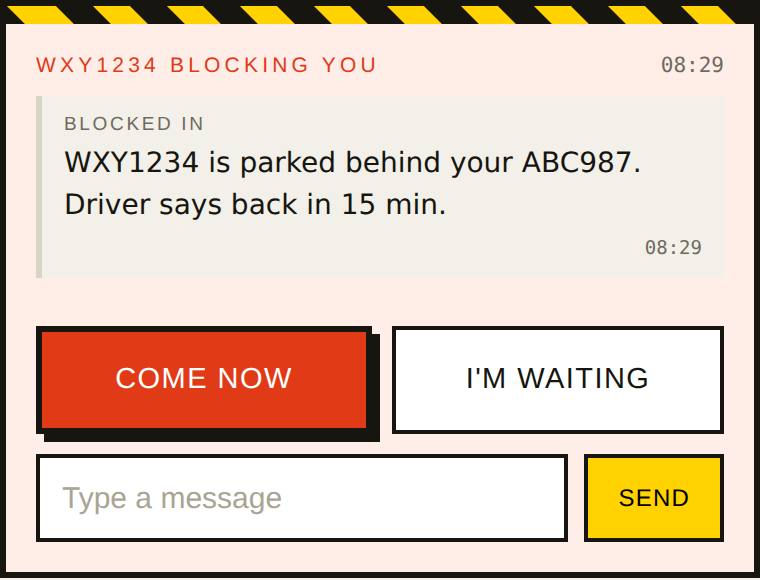
An alert: WXY1234 is parked behind your car, back in 15 minutes, with Come now and I'm waiting buttons.
3
When you drive off

Tap "I've moved"

The other driver is told they're free to go.
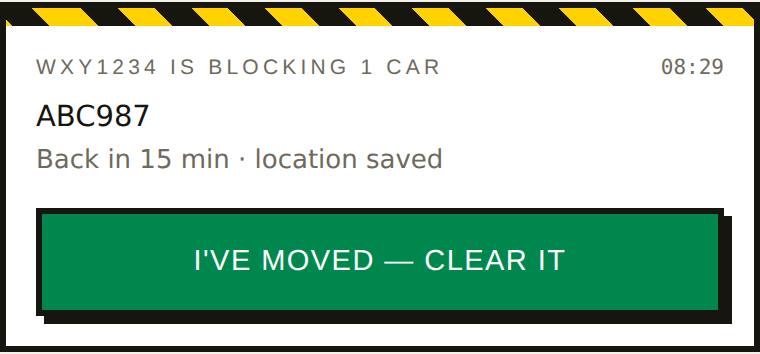
Your open block with the green I've moved button.
  • Neither driver ever sees the other's name or email.
  • Blocked but got no alert? Use Trace: type their plate and yours, and we'll find them.
  • Free for drivers.

Set up in 3 minutes

Do this once, now — not when you're already stuck in a car park.

Step 1 · Put Tolong Alih on your home screen

So alerts reach you even when your phone is locked. On iPhone, alerts only work after this step.

Use Safari. If you opened this link from WhatsApp or Facebook, tap ⋯ and choose Open in Safari first.
  1. Tap the Share button at the bottom of Safari.
  2. Scroll down and tap Add to Home Screen.
  3. Tap Add. Then open Tolong Alih from its new icon.
‹› ⧉ 1 · Share Copy Add Bookmark Add to Home Screen Find on Page 2 · Add to Home Screen
Illustration of Safari on iPhone. Your screen may look slightly different.

Step 2 · Create your account

Use Google, or your email and a password. That is all we ask for. The other driver never sees your name or email.
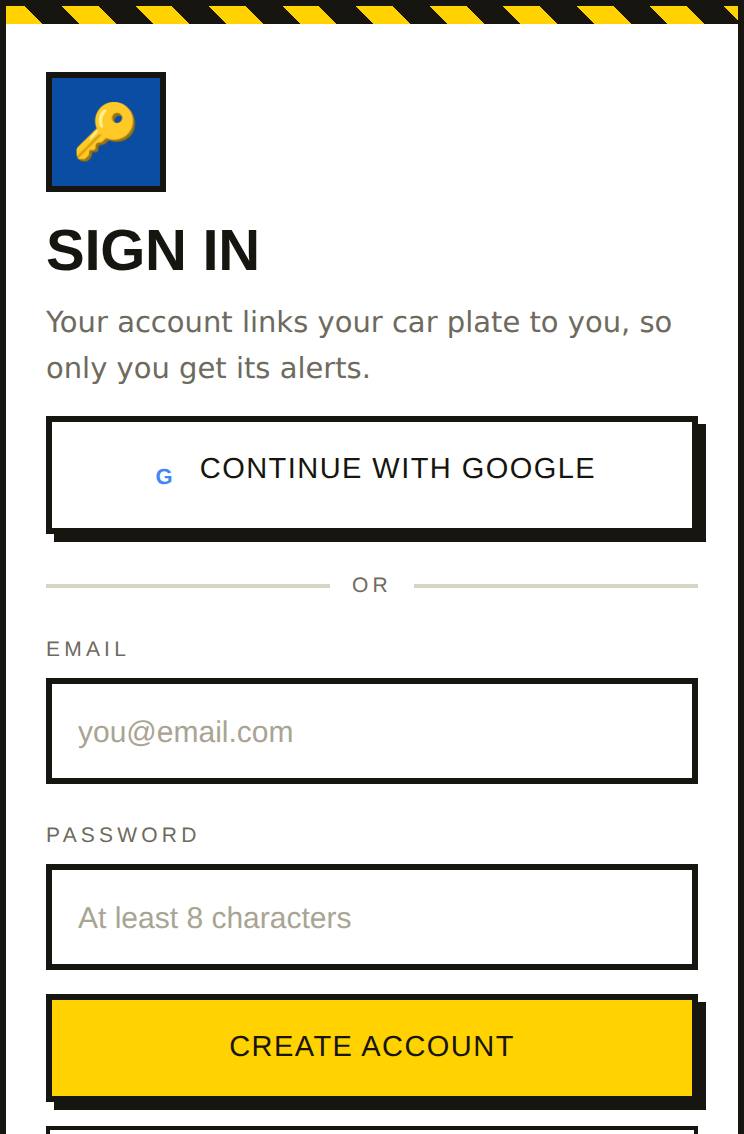
The sign-in screen with Continue with Google, email and password.

Step 3 · Add your car plate

Tap Garage at the bottom of the app, type your plate, tap Add to garage. This is how you get an alert when someone blocks you.
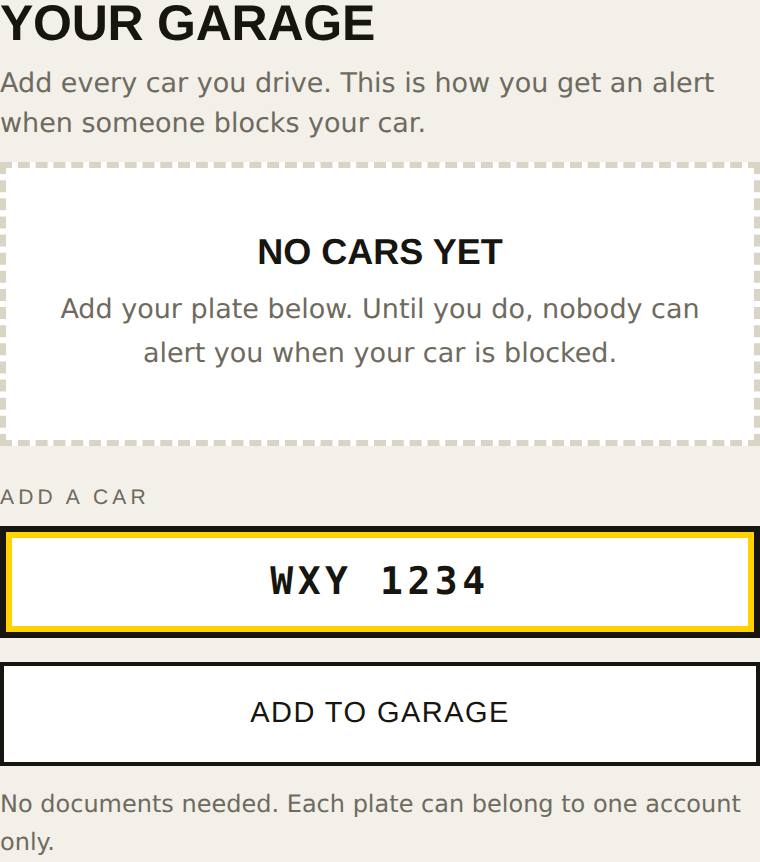
The Garage screen with a plate typed in and the Add to garage button.

Done. Your plate shows in your garage:
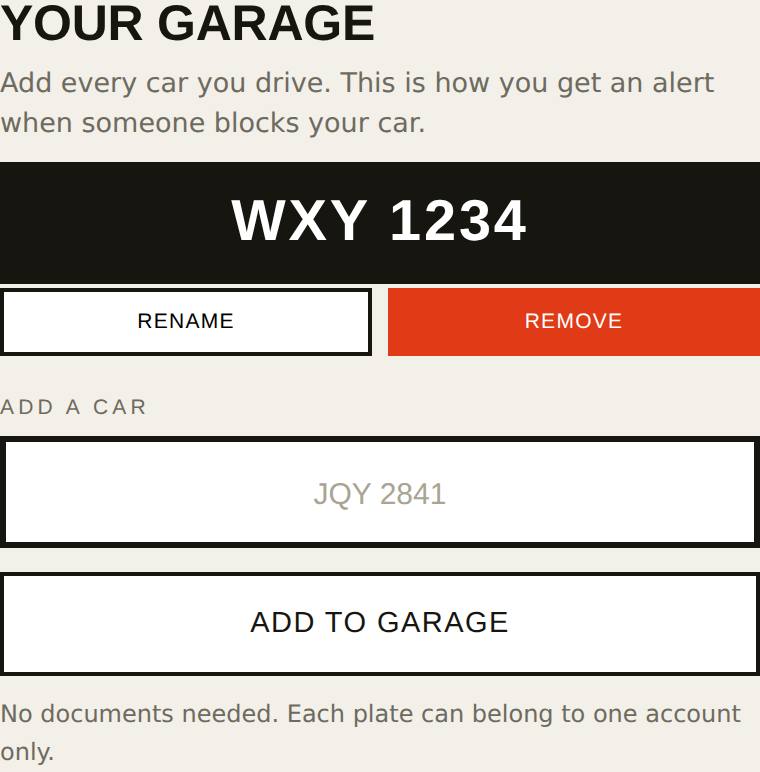
Your garage showing the plate you added.

Step 4 · Allow alerts

The app asks once. Tap Allow alerts, then Allow.

Start now

The four buttons

The same four words everywhere in the app.

DeclareI double-parked. Tell the driver I'm blocking.
ClearI've moved. Tell them they can go.
TraceI'm blocked but got no alert. Find the driver by both plates.
FlagThey said they moved, but they're still there.